
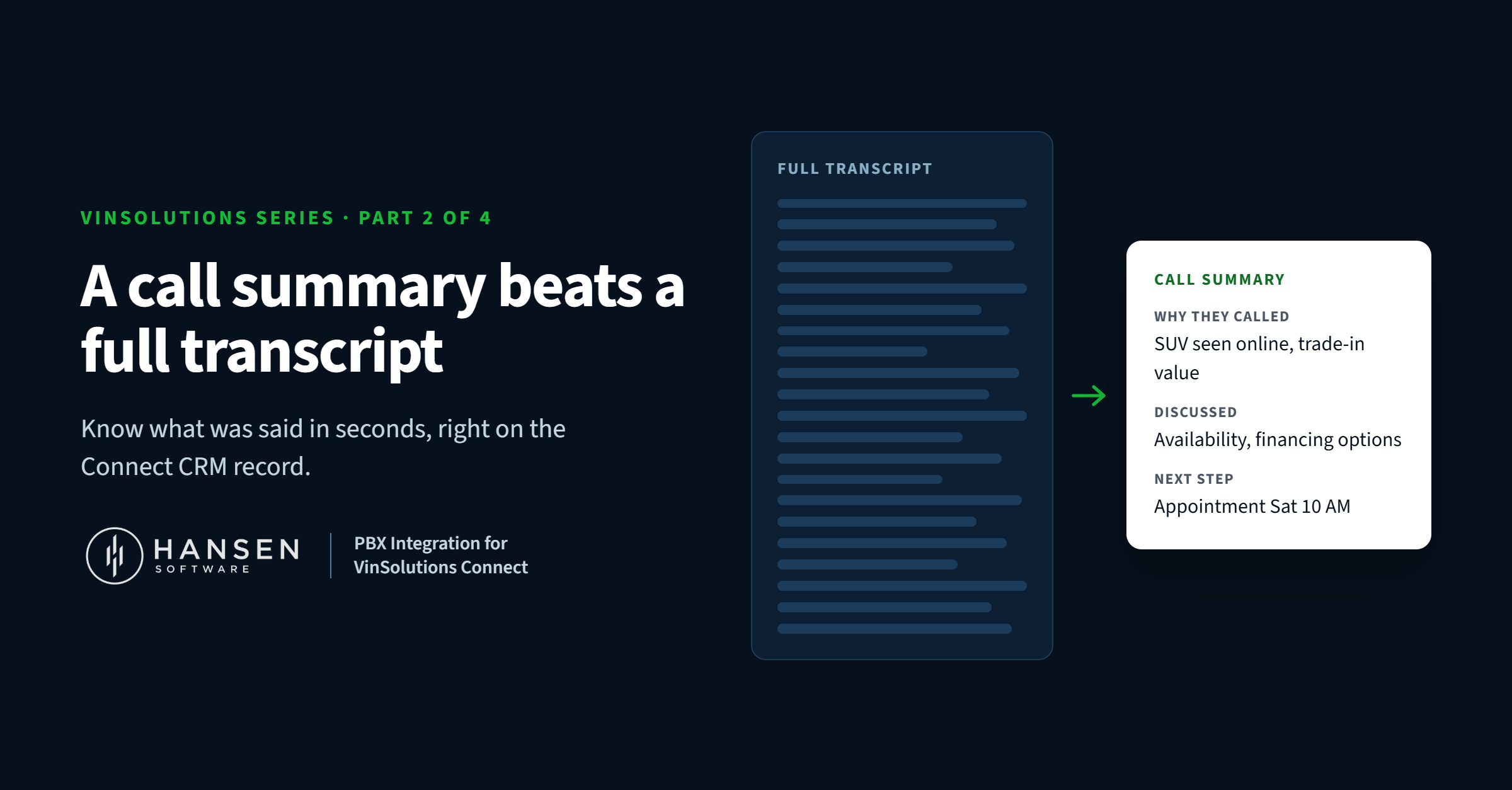
The trouble with a full transcript
Transcripts sound great until you open one. A 12-minute sales call turns into several pages of back-and-forth: greetings, small talk, "can you hear me okay?", a stock number read out twice, and somewhere in the middle, the three sentences that actually matter.
The information is all there. But on a busy day, nobody has time to read it. So the transcript sits on the record unread, and the manager calls the customer without knowing what was already said.
What a summary gives you instead
A transcription summary boils the call down to what a manager needs, in a few lines they can read in seconds. A typical summary covers things like:
- Why the customer called. The vehicle, the service issue or the question they had.
- What was discussed. Trade-in, pricing, availability, timing.
- What happens next. An appointment, a callback, a quote to send.
It lands right on the customer record in Connect CRM, next to the call log and the audio. Scan the summary to get the picture. Press play on the audio if you need every word.
How dealership teams use it
Sales managers can glance at a lead's call history and know exactly where the deal stands before they step in. No more "what did you two talk about?" at the desk.
BDC teams can pick up a conversation someone else started without re-asking the customer the same questions. That alone makes for a better customer experience.
Service managers can see what a customer was told about a repair or estimate, and what they're expecting, before returning the call.
Anyone coaching staff can skim summaries to find the calls worth listening to in full, instead of guessing which recordings to review.
The result is less time reading and replaying, and more time actually talking to customers.
Getting summaries in your Connect CRM
Summaries are part of Hansen's long-standing integration with VinSolutions. Inside VinSolutions, it's called PBX Integration.
To get started, ask your VinSolutions Performance Manager about "PBX Integration with Hansen Software," or contact us and we'll help coordinate. You can send call data, audio, summaries or all three to Connect CRM, whatever fits your store. Learn more about Hansen Transcription and Hansen Integrations.
Check out a full breakdown HERE
See a summary on a real Connect record
The best way to understand it is to see one. Book a live demo, or call us toll-free at 1-877-795-2274 (Mon–Fri, 7am–4pm PST).