
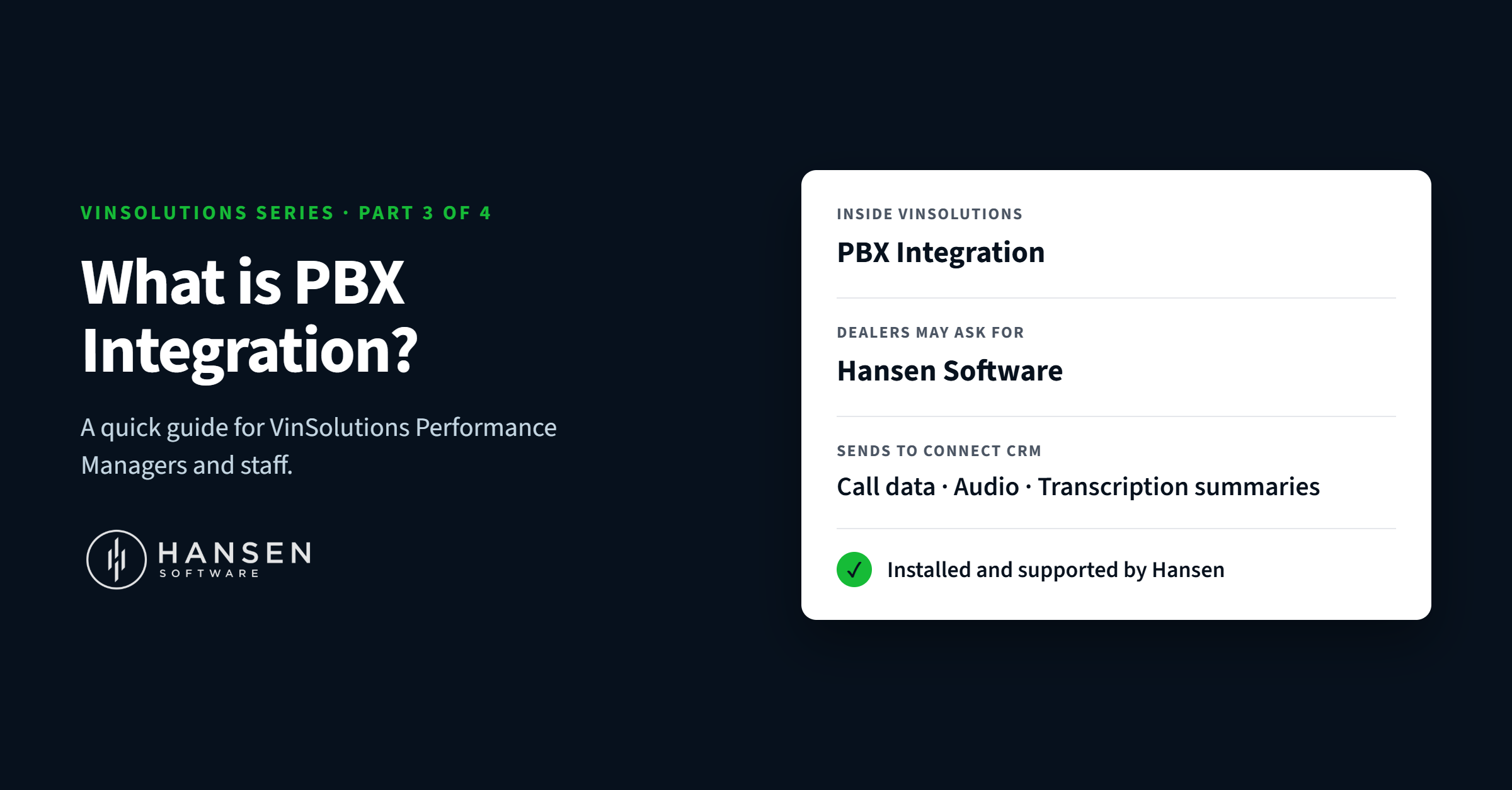
This one is for the VinSolutions team: Performance Managers, support staff and anyone who helps dealers get more out of Connect CRM.
When a dealer asks you about getting their phone calls into Connect, there's a good chance they'll say "Hansen." On your side, you'll know it as PBX Integration. They're the same thing. Here's a quick guide so you can recognize the request and point dealers in the right direction.
The quick reference
|
|
|
|---|---|
|
Name inside VinSolutions |
PBX Integration |
|
Name dealers may use |
Hansen, Hansen Software, Hansen PBX Integration |
|
Partner status |
Long-standing VinSolutions partner, connecting dealership calls to VinSolutions for years |
|
Works with |
VinSolutions Connect CRM |
|
What it sends |
Call data, call audio and transcription summaries (any or all) |
|
Who installs and supports it |
Hansen Software |
|
Contact |
1-877-795-2274 · sales@hansensoftware.com |
What it does, in plain terms
PBX Integration connects a dealership's phone system to Connect CRM. Once it's live:
- Calls are logged on the matching customer record automatically.
- Call audio is attached, so users can listen from the record.
- A short transcription summary of each call can be posted to the record, so a manager can see what was discussed at a glance.
Which dealers it helps most
As a Performance Manager, you already look at a store's activity and spot where the gaps are. PBX Integration is worth bringing up when you see:
- Phone-heavy stores whose CRM activity doesn't reflect how much time staff spend on calls
- Managers who want accountability and can't easily confirm follow-up calls happened
- Stores focused on coaching that want real calls to review with sales and service staff
- BDC teams who need context from earlier conversations before calling back
- Dealers asking about compliance documentation for customer conversations
In each case, getting calls onto the customer record makes the CRM data more complete, which also makes your monthly reviews with the dealer more useful.
How to get a dealer started
- Confirm the dealer is on Connect CRM. PBX Integration works with VinSolutions Connect.
- Ask what they want sent. Call data only, call data plus audio, or everything including transcription summaries.
- Connect them with Hansen. Share our contact details, or reach out to us yourself and we'll take it from there.
- Hansen handles the rest. We review the dealer's phone system, set up the connection, map the call data to Connect, test everything and go live.
What Hansen takes care of
You don't need to become a phone-system expert to recommend this. Hansen handles:
- The phone-system side of the setup, across most phone systems
- Installation, configuration and testing before go-live
- Training the dealer's staff, with no per-seat fees
- Ongoing support for the dealer, including 24/7 emergency help, through Software Assurance Coverage
Hansen has been building call reporting and recording software since 1990, and has been connecting dealerships to VinSolutions for years. Many of your dealers may already know us; many more just haven't heard that this option exists. Every integration uses encrypted data handling, secure authentication and controlled access permissions.
Questions? Let's talk.
If you're on the VinSolutions team and want a walkthrough of PBX Integration, a demo you can share with dealers, or help with a specific store, we'd love to hear from you. Call us toll-free at 1-877-795-2274 (Mon–Fri, 7am–4pm PST), email sales@hansensoftware.com, or book a demo. Or check out a full breakdown of info HERE