
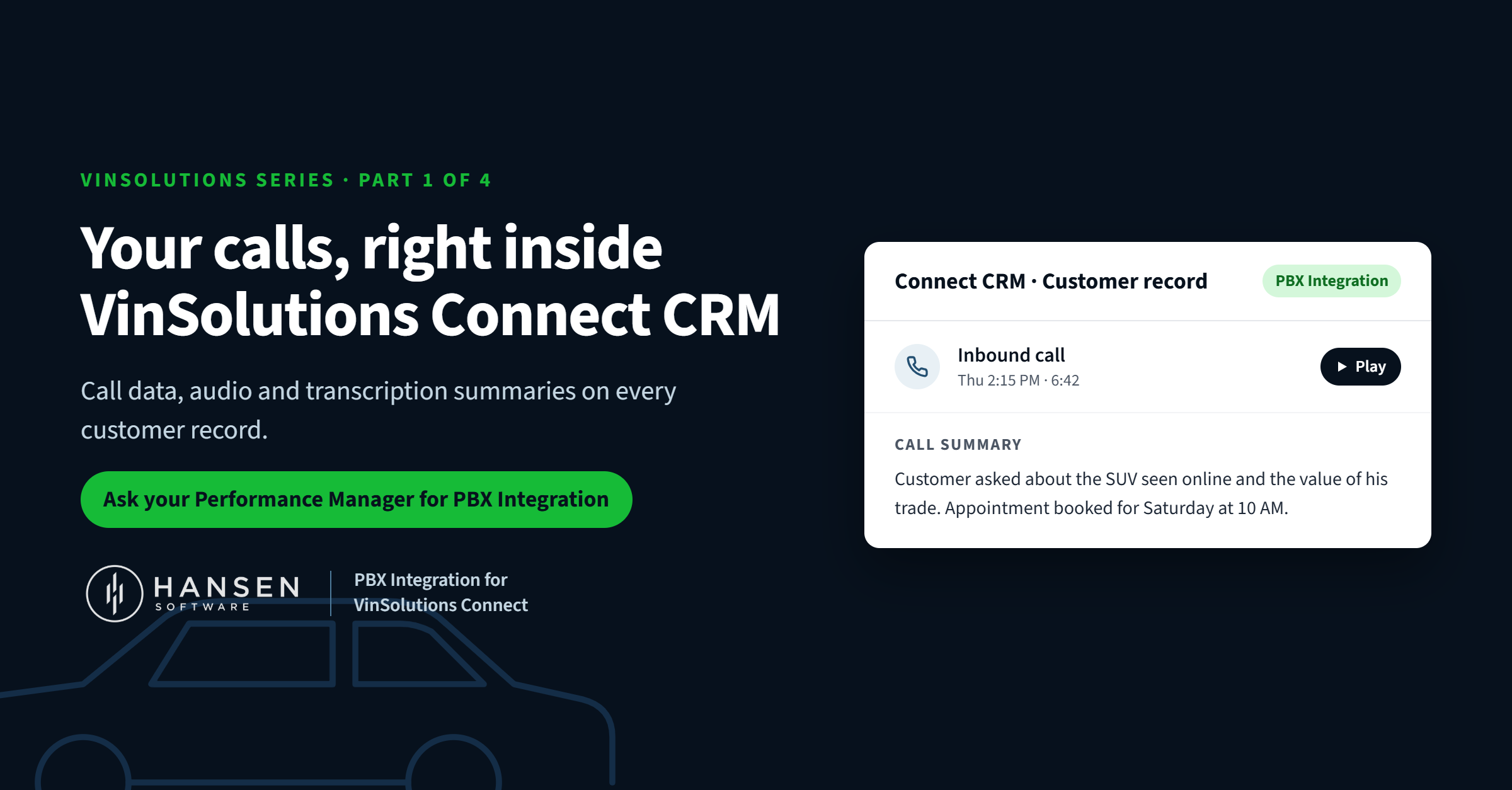
Your store probably runs a lot through VinSolutions Connect CRM: leads, follow-up tasks, appointments, deal history. But there's one thing many dealerships still keep somewhere else entirely: their phone calls.
That's a shame, because the phone is still where a lot of deals and repair orders actually happen. And there's a feature that puts those calls right inside Connect. It's called PBX Integration, and it's powered by Hansen Software.
Hansen has been connecting dealership phone systems to VinSolutions for years. Yet plenty of dealers, and even plenty of people at VinSolutions, have never heard of it. This series is here to change that.
What PBX Integration does
PBX Integration takes the calls from your dealership's phone system and puts them on the matching customer record in VinSolutions Connect CRM. It works with most business phone systems, and you choose what gets sent:
- Call data. Each inbound and outbound call is logged against the right customer automatically, powered by Hansen Call Reports & Analytics.
- Call audio. Open the customer in Connect and press play on the conversation, recorded by Hansen Call Recording.
- Transcription summaries. A short written summary of each call, posted right to the record by Hansen Transcription.
Pick one, two or all three. Nobody on your team has to type a call note or dig for a recording in another system.
Why summaries are worth a look
A full word-for-word transcript of a 12-minute call is a wall of text that nobody has time to read. A summary tells you what matters in a few seconds: what the customer wanted, what was discussed and what happens next.
That makes it easy for a manager to scan a lead's history and know exactly where things stand before picking up the phone. If they need every word, the audio is one click away. (More on this in Part 2 [add link].)
What it means for your store
When calls live in Connect CRM, you have a complete record of every customer conversation in one place. Managers can confirm follow-up actually happened, coach sales and service staff with real calls, and keep documentation with the customer. Every connection uses encrypted data handling, secure authentication and controlled access permissions.
How to get it: ask for "PBX Integration"
Here's the most important part. Inside VinSolutions, this is listed as PBX Integration. That's the name your VinSolutions rep will recognize, and it's how they'll find it.
So when you ask, use both names: "I'd like to set up PBX Integration, powered by Hansen Software."
The easiest person to ask is your VinSolutions Performance Manager, who already works with your store to get more out of Connect. You can also reach out to us directly and we'll coordinate with VinSolutions for you.
A note for the VinSolutions team
If you work at VinSolutions and talk to dealers every day, this one's for you too. When a dealer asks how to get their calls, recordings or call notes into Connect, PBX Integration is the answer, and Hansen handles the setup and support. We'd love to walk you through it.
Let's get your calls into Connect
Book a live demo to see call audio and summaries on a Connect CRM record, read more about Hansen Integrations, or call us toll-free at 1-877-795-2274 (Mon–Fri, 7am–4pm PST).