
Hansen call recording, reporting and transcription is available in the Crexendo Marketplace for NetSapiens service providers. This guide walks through Crexendo Marketplace setup, from your first request to your customers' first recorded call.
There are two roles involved:
- Service provider (Super User): the NetSapiens licensee, which Crexendo calls a Communication Service Provider (CSP). This role requests Hansen and publishes it.
- Office Manager: the administrator for one business customer. This role turns Hansen on for their company and users.
Before you start
Your company needs to be registered in the Crexendo Marketplace. If it isn't, email Crexendo's EVP team at evp@crexendo.com to get an invitation code and complete CSP registration.
Part 1: For service providers
- Find Hansen. Sign in to the Crexendo Marketplace and look for Hansen under Available Apps.
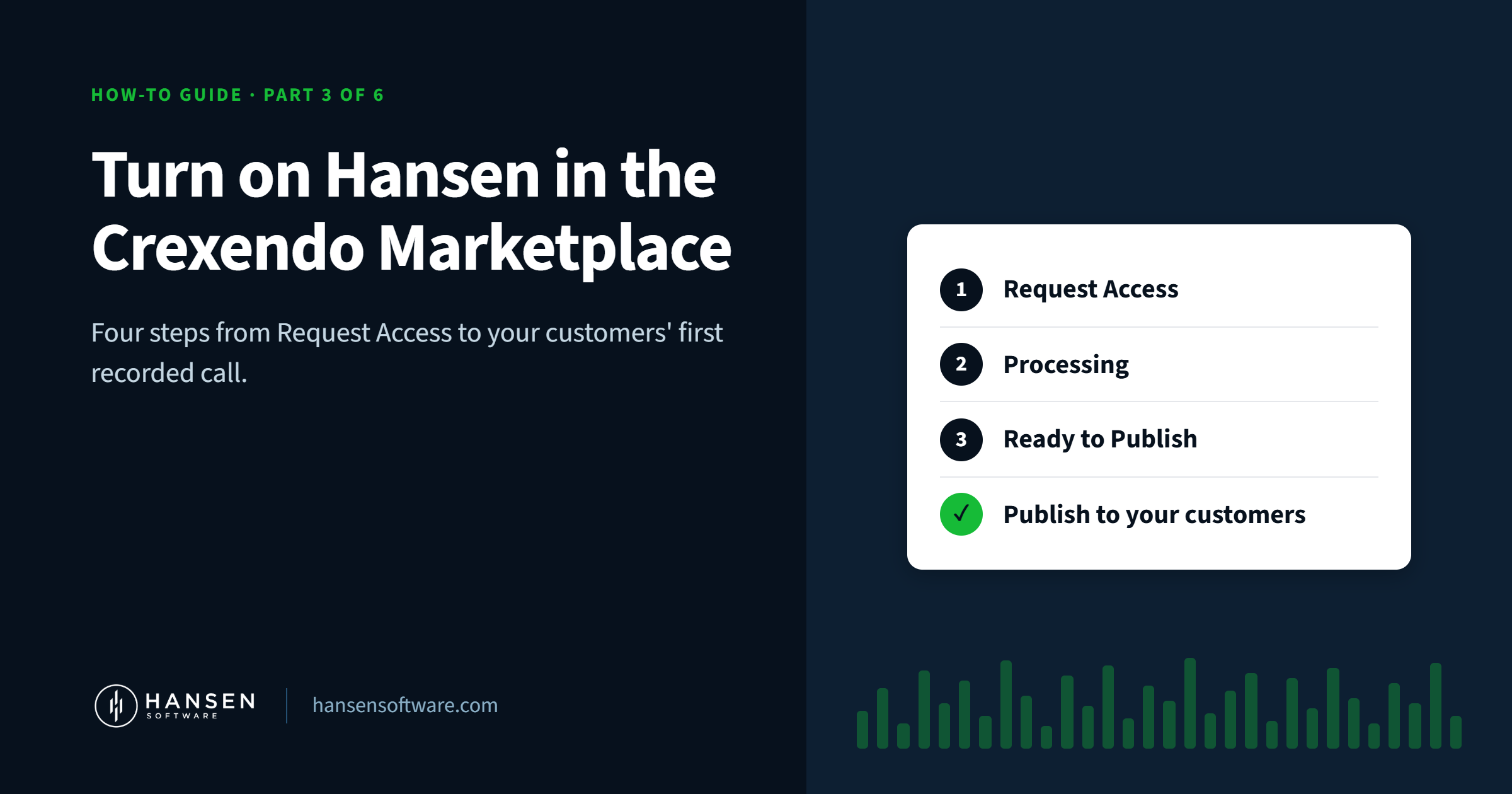
- Request access. Open the Hansen listing and select Request Access. Hansen moves to your Enabled Apps list with the status Requested.
- Processing. The Crexendo Marketplace team works with you and Hansen to complete the contract and technical requirements. Our partner team will reach out during this step. [Add what Hansen needs from the provider, such as billing contact and setup details.]
- Ready to Publish. Once everything is complete, the status changes to Ready to Publish.
- Publish. Select Publish to make Hansen visible to your customers.
- Manage domains (optional). If you want to control which customers can use Hansen, use Manage Domains to turn it on per domain or choose a tier.
Part 2: For Office Managers
- Open the Marketplace. Office Managers see only apps their service provider has published.
- Turn Hansen on. Select Enable. If your provider requires approval, select Request Access instead and wait for approval.
- Choose a tier. If Hansen offers tiers, pick the one that fits your business. [Add tier names once confirmed.]
- Turn on users. Choose which users on your account should have Hansen recording and reporting.
After setup
Our team helps with the first rollout, including report setup, recording retention settings and training. [Confirm what onboarding includes.]
Call to action: Need help with setup? Contact Hansen partner support · View Hansen in the Crexendo Marketplace
FAQ
Why can't my customer see Hansen in the Marketplace? Office Managers only see apps their service provider has published. The service provider needs to request and publish Hansen first.
How long does the Processing step take? It depends on how quickly contract and technical requirements are completed.
Can I turn Hansen on for some customers and not others? Yes. Service providers can use Manage Domains to control which customers have access, if the app supports it.